
Smart cycle predictions
Periods, fertile window and ovulation forecast based on your real history — accurate even with irregular cycles.
Freya is a private, beautifully simple companion for tracking your period, ovulation, symptoms and overall wellbeing — with smart predictions, a supportive community, and tools that actually fit your life.
From precise period predictions to body vitals and a private community — Freya brings the full picture of your menstrual health into one calm, beautiful place.
Periods, fertile window and ovulation forecast based on your real history — accurate even with irregular cycles.
Choose what matters most — track periods, try to conceive, or avoid pregnancy — and Freya adjusts insights for you.
Log flow, cravings, cramps, headaches, mood shifts, discharge and more — spot patterns across cycles in seconds.
Track blood pressure, basal temperature and body weight. Visualise trends with clear, beautiful charts.
Never miss a dose with daily, weekly or custom reminders — with quick "Taken / Not taken" tracking.
Ask questions, share experiences and get real answers from other women — anonymously, if you prefer.
Lock the app with your fingerprint or device PIN. Your menstrual health stays for your eyes only.
Wake up to a clear "what today looks like" — fertility, expected flow, PMS, and reminders, all in one card.
Available in English, Arabic, German, Spanish, Hindi, Gujarati and Indonesian — with in-app translation.
Whether your cycle is textbook regular or unpredictable, Freya combines your real history with science-backed models to forecast your next period, fertile window, ovulation day and PMS — and refines them every time you log.
Tap-friendly icons for every symptom, mood, flow type and intimate moment. Every entry sharpens your insights and predictions.
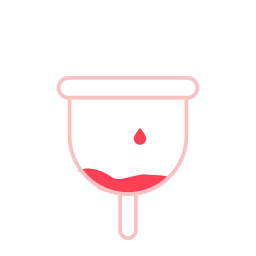 Light
Light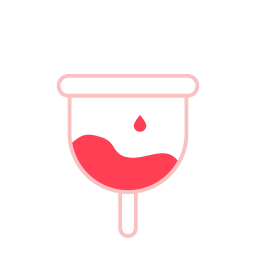 Medium
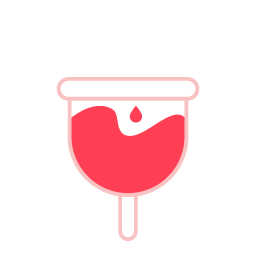 Heavy
Heavy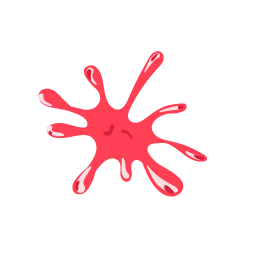 Clots
Clots Happy
Happy Normal
 In love
 Emotional
 Sad
Sad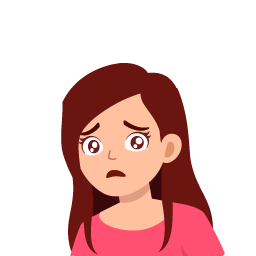 Anxious
 Angry
Angry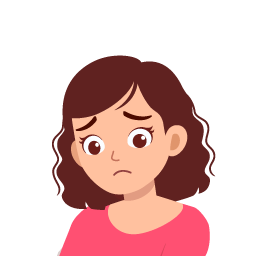 Depressed
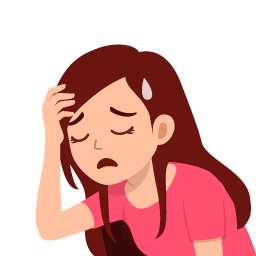 Exhausted
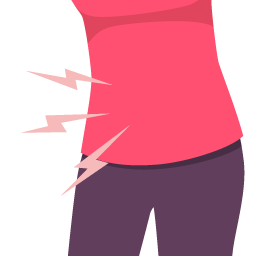 Cramps
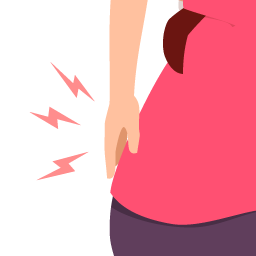 Back pain
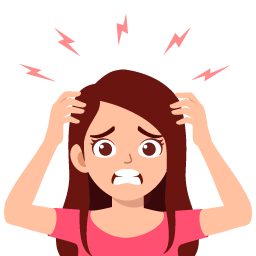 Headache
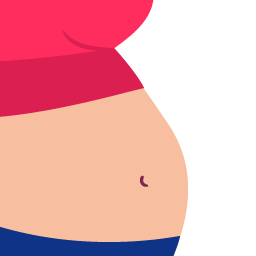 Bloating
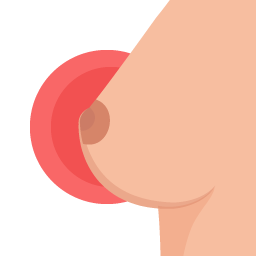 Tender breasts
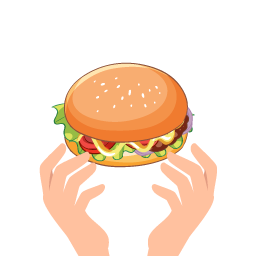 Cravings
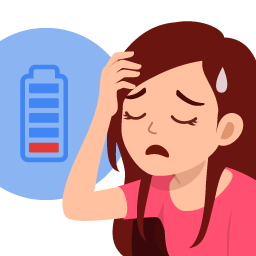 Fatigue
 Nausea
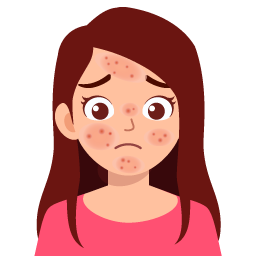 Acne
Acne Insomnia
 Dizziness
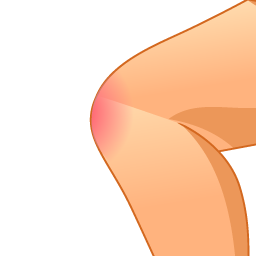 Joint pain
 Constipation
 Diarrhea
 Vomiting
 Dry
Dry Sticky
 Creamy
 Watery
 Egg white
 Unusual
Ask anything from "is this normal?" to "what helped with PCOS?" Get real answers from real women. Post anonymously, translate replies, and find threads sorted by votes or freshness.
"Has anyone tried tracking basal temperature to confirm ovulation? Mine has been irregular this cycle…"
Bite-sized guides written for real life — from understanding ovulation to managing PCOS and beyond.
Why women who track tend to feel more in control of their bodies, moods and decisions.
Read article → FertilityFrom cervical mucus to basal temperature — read the natural signals your body sends.
Read article → PCOSA practical guide to choosing foods that support insulin balance and ease PCOS symptoms.
Read article → Myth-bustingSeparating cultural folklore from biology — what really happens during your period.
Read article → PregnancyCan you have a period during pregnancy? What spotting means and when to call your doctor.
Read article → Sexual healthUnderstanding the causes, treatments and gentle paths forward.
Read article →Find answers to common questions, troubleshoot issues, manage your account, or reach our team directly. We're here for you.
Set up your account, log your first cycle and customise predictions.
Symptoms, vitals, pill reminders and daily logging.
Sign-in, 2FA, biometric lock and deleting your account.
Subscriptions, restore purchases and cancel anytime.
Freya is available on Android (6.0 and above). Download from the Google Play Store and open the app to begin onboarding.
During onboarding, tap "When did your last period start?" and pick the date. Freya will instantly forecast your fertile window, ovulation and next period. You can refine later from Period History.
Yes — pick one of three goals during setup or any time from Profile → My Profile:
You can add or edit any past cycle from Period History → Add Record. Freya re-trains predictions automatically after each edit.
Freya's predictions improve with every cycle you log. After 2–3 cycles, the period, fertile window and ovulation forecasts become highly personalised — even for irregular cycles.
Freya supports tracking for:
Go to Medications → Add Medicine. Set the name, duration in days, number of daily reminders and start date. Freya will send a precise daily notification and let you mark each as Taken or Not Taken. Repeat patterns supported: daily, alternate days, weekly, monthly.
Basal temperature works best when taken at the same time each morning before getting out of bed. Freya plots it over time so you can spot the post-ovulation rise.
Yes. In Settings → Daily Updates, enable Daily Updates and pick a time. Freya will send a morning notification with today's cycle status, expected flow or fertility signal, and any pending reminders.
On Android 13+, make sure you granted the POST_NOTIFICATIONS permission. Also check:
Yes. All your cycle, symptom, vitals and notes are stored locally on your device first. If you sign in with Google, an encrypted copy syncs to your private account. Freya never sells your data.
Read the full Privacy Policy for details.
Open Settings → Security → Biometric App Lock and toggle it on. Freya will ask for your fingerprint, face or device PIN every time it launches.
Inside the app: Profile → Security Settings → 2 Step Verification → Add 2FA. Enter and verify your phone number. Freya will request an OTP each time you sign in on a new device.
Sign-in with Google unlocks features like community, sync and 2-step verification. Period tracking, vitals and reminders work without signing in, but your data won't be backed up.
See the step-by-step guide below. The full reference is also on the account data deletion page.
Premium removes all ads, unlocks premium articles, advanced cycle and vitals analysis, and unlimited reminders & medications.
The monthly plan includes a 3-day free trial; the annual plan includes a 7-day free trial. You can cancel any time before the trial ends and you won't be charged.
Subscriptions are billed by Google Play. To cancel:
Cancel at least 24 hours before renewal to avoid being billed.
Inside Freya, open the premium screen and tap Restore. Make sure you're signed in with the same Google account used for purchase. If the issue persists, contact us.
Refunds are handled by Google Play under their standard policy. Visit Google Play's refund page for eligibility and to request one.
Erase your Freya account and all associated data, permanently.
Launch the app on your Android device and sign in with your Google account.
Tap the menu icon (top-left) and select My Profile.
Inside the profile screen, scroll to Account Management.
This option permanently deletes your account data from Freya and signs you out.
Review the warning and confirm. Freya will erase your cloud-stored cycle history, community posts and account record.
You'll see a confirmation message and be returned to the sign-in screen. Locally cached data is cleared on logout.
We're a small team that genuinely cares — pick the option that fits best.